


How to Start a Website: A Complete Step-by-Step Guide for Beginners
For a beginner, how to start a website can feel incredibly overwhelming. With so many terms thrown around—hosting, domain names, DNS, CMS, SSL—it’s easy to get stuck before you even begin.
But here is the good news: building a website in the modern era doesn’t require you to write a single line of code. Whether you want to launch a personal blog, showcase a portfolio, or build an online storefront for your business, you can get a professional site up and running in just a few straightforward steps.
This guide breaks down the exact process into an easy-to-follow, step-by-step roadmap.
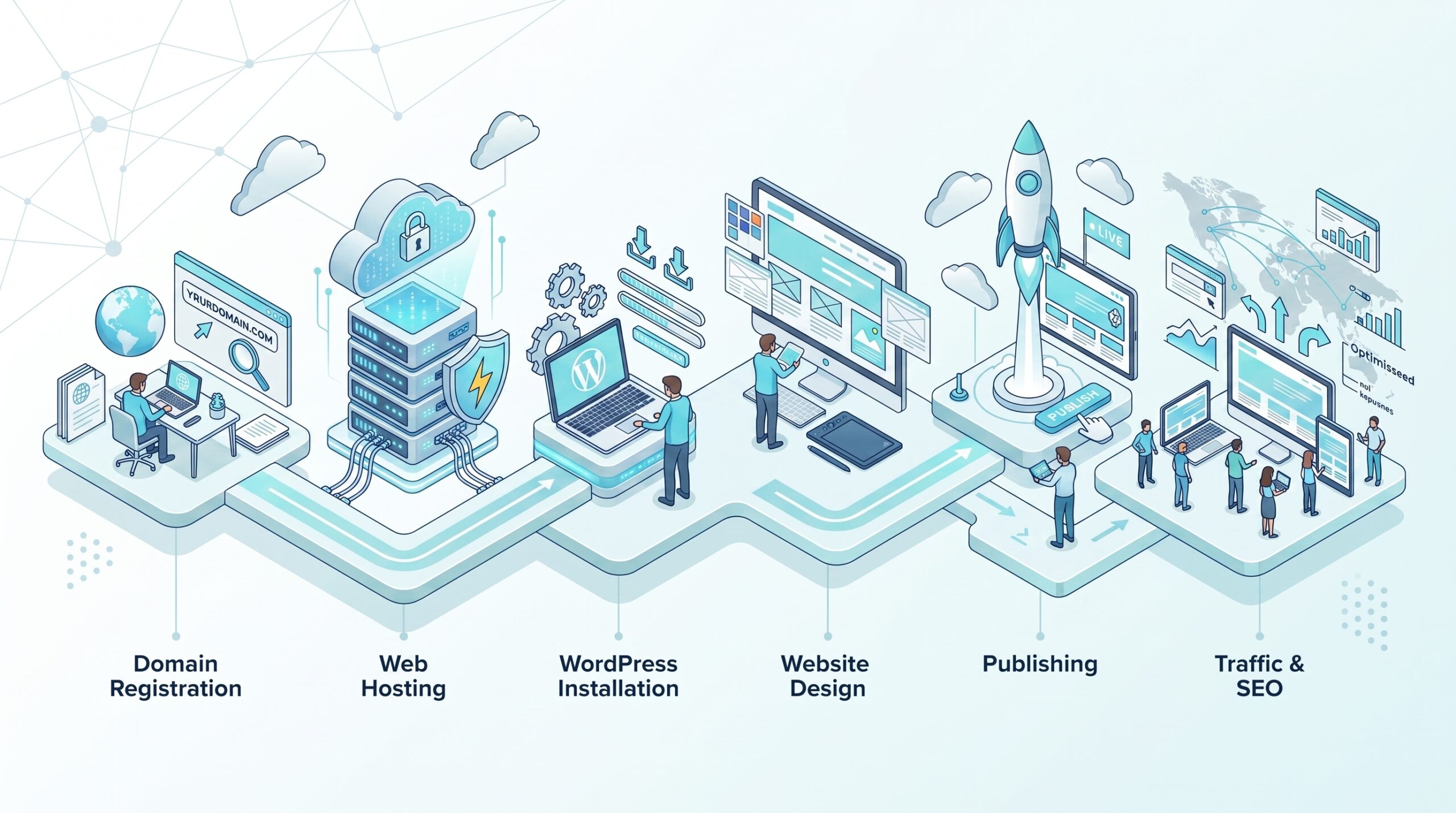
The Step-by-Step Blueprint to Launching Your Site
To launch your site successfully without getting stuck, follow these steps in order.
Deep Dive: How to Start Planning Your Site Structure
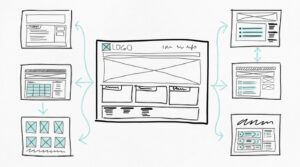
Before buying a theme or writing content, it helps to sketch out a basic roadmap. Planning your main pages early saves you from massive restructuring head-scratchers down the road.
At a minimum, every new website should launch with these four core pages:
How to Start a Website: A Complete Step-by-Step Guide for Beginners
-
Homepage: Your digital front door. It needs to explain what you do and who you serve within the first 3 seconds of a user landing on it.
-
About Page: Tell your story, build trust, and showcase why visitors should listen to you.
-
Services/Shop Page: Clearly outline what you are offering or selling.
-
Contact Page: A simple form, email address, or social links making it effortless for people to reach you.
Pro-Tips for Launch Success
Speed is Everything: Over 50% of mobile users will abandon a page if it takes longer than 3 seconds to load. Don’t ruin your hard work by choosing a slow, unoptimized host.
-
Install an SSL Certificate immediately: Secure your site with HTTPS. Google flags unencrypted “HTTP” sites as “Not Secure,” which scares off potential visitors.
-
Optimize for Mobile: More than half of your traffic will come from smartphones. Always test your site’s layouts on a mobile screen before sharing it with the world.